
Module 1 — Getting started with Copilot
- Where to find Copilot across Microsoft 365
- The right habits for phrasing your requests
- What Copilot can do — and where its limits are
Put Copilot to work across your daily Microsoft 365 tasks: documents, spreadsheets, email and meetings. Time saved from the first week of use.







The price depends on the format, headcount and number of sessions. Tell us about your context: we come back with a priced proposal and the right format.
AI Makers holds Qualiopi certification for its training activities.
The quality certification was issued for the following category of activity: training actions (actions de formation).
Depending on your company and the scheme involved, your OPCO may be able to fund the training. We provide the documents for the file.
OPCO funding possible depending on eligibility.
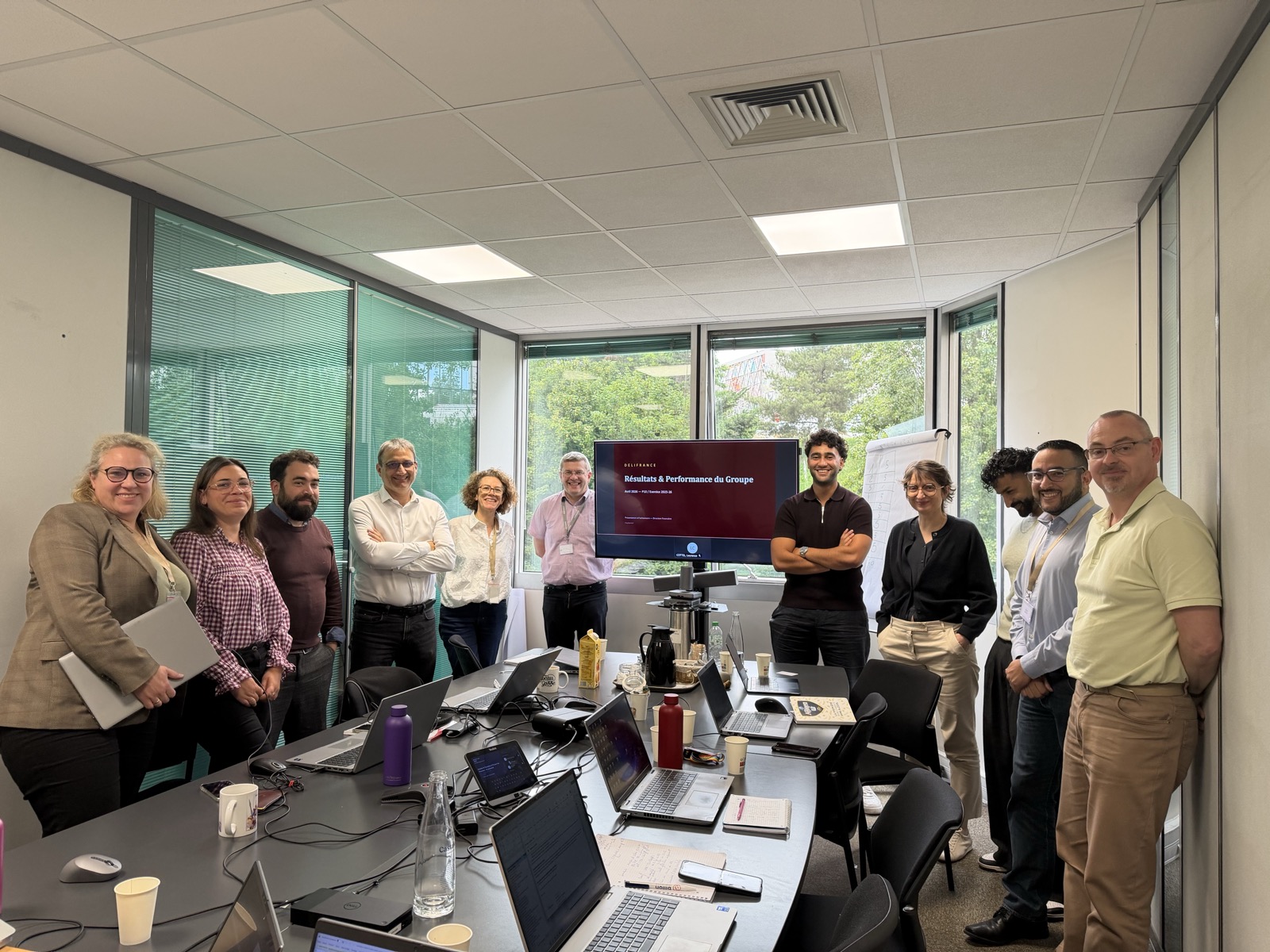
“Before AI Makers, our challenge was to use AI intelligently and securely, getting the most out of it while keeping our autonomy. The training made the difference: examples applied to our own environment, very concrete uses demonstrated, and a clear view of the many ways AI fits our business.”
 Hicham BoustitHead of Management Control · Délifrance · 12 people trained
 Adel DahaniAI & Microsoft expert · Specialist in enterprise Copilot rollouts.
 Edouard WillemsenAI trainer · Consultant in AI transformation and change management.
 Othmane HalimFounder of AI Makers · 200+ AI engagements. Expert in AI strategy and transformation.
Yes — the training is built around Microsoft 365 Copilot. It's ideal for companies that have just rolled out the licenses and want value quickly.
The whole suite: Word, Excel, PowerPoint, Outlook and Teams. We tailor the exercises to the apps your teams use most.
Gains show on everyday office tasks in the first week — a deck drafted from a document, an inbox triaged in Outlook, meeting actions captured in Teams. The goal is skills your teams can apply the moment the session ends.
AI Makers holds Qualiopi certification for training actions. Depending on your company and the scheme involved, your OPCO may be able to fund the training. We provide the documents needed to review the file.
A trainer looks at your processes with you and tells you which format fits, even if that means pointing you elsewhere. 30 minutes, no commitment.
Qualiopi-certified training provider · OPCO funding possible depending on eligibility · 9.6/10 satisfaction